Introduction
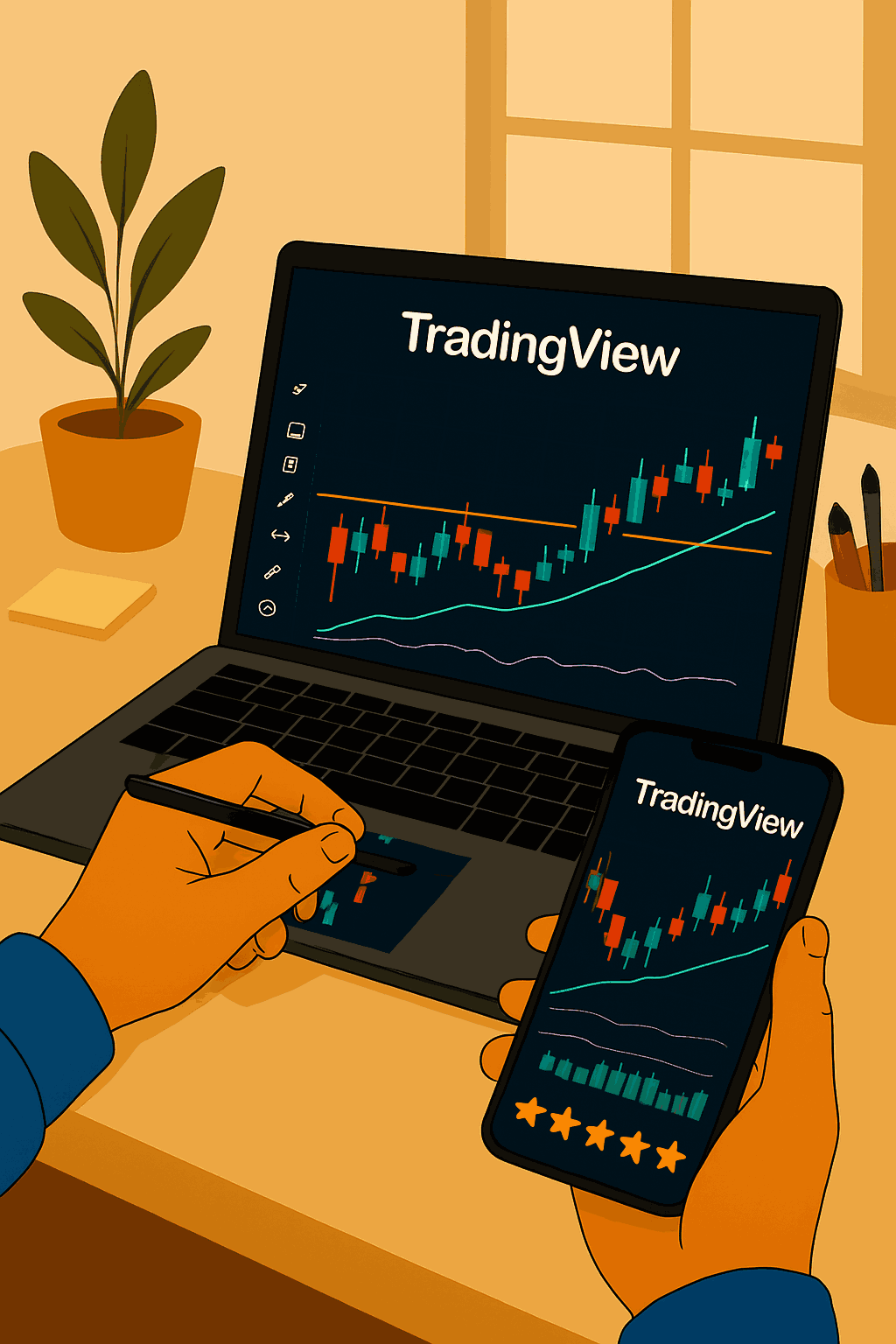
TradingView has quickly become the go-to platform for traders who want fast, reliable, and visually clean market analysis. Whether you’re working from a laptop, tablet, or mobile, TradingView’s tools make it easy to stay on top of market movements without spending hours poring over charts. In this guide, you’ll learn how to use TradingView to analyze the forex market quickly, without sacrificing quality.
Set Up Your Workspace
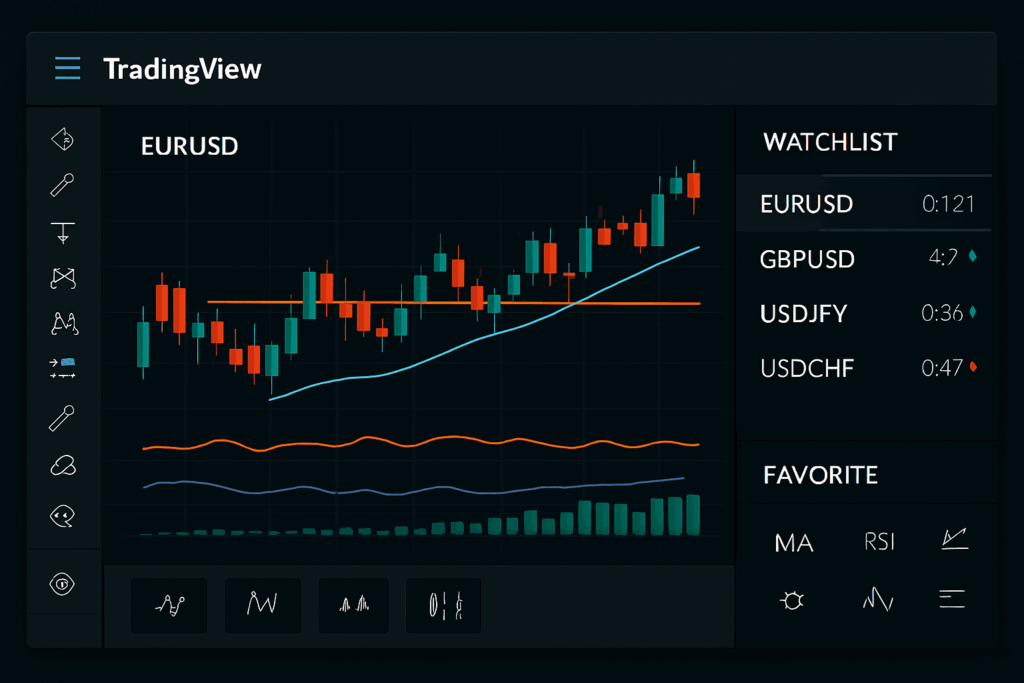
The first step to using TradingView effectively is creating a personalized workspace. You can sign up for a free account to save layouts and preferences. Choose a dark or light theme, set your preferred timezone, and add only the tools you regularly use. This keeps your screen uncluttered and helps you focus on what matters.
Add your most-watched currency pairs to a watchlist on the right-hand side of the screen. This allows you to switch between charts with one click, making analysis lightning fast.
Focus on One or Two Timeframes
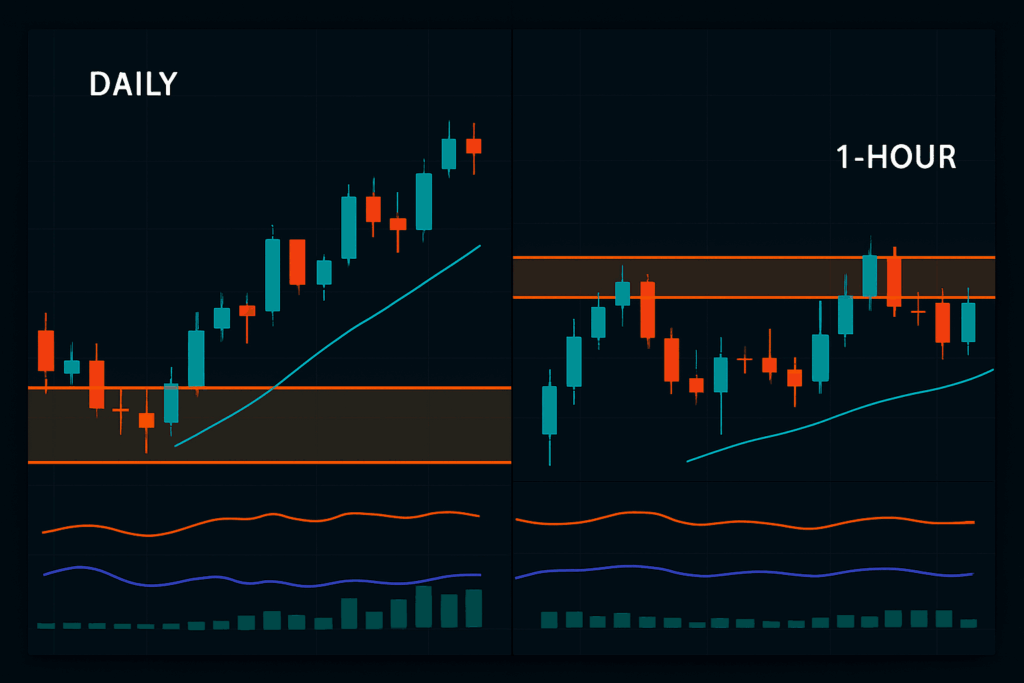
When speed is important, avoid flipping through every possible timeframe. Instead, focus on one or two key timeframes that suit your strategy like the daily chart for trend direction and the 1-hour or 4-hour chart for entries. This keeps your analysis efficient and consistent.
Use Key Technical Tools Only
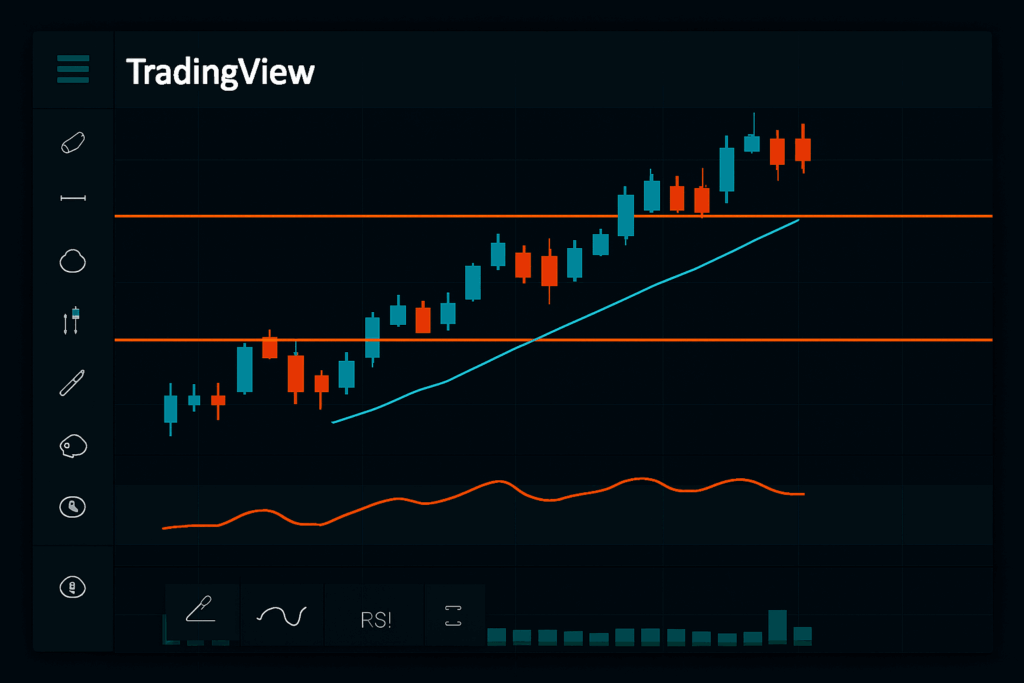
TradingView has hundreds of indicators and tools, but you don’t need them all. For fast analysis, stick to the essentials like support/resistance lines, trendlines, moving averages, and maybe one or two indicators like RSI or MACD. Use the drawing tools to quickly mark up important zones or patterns.
Once your chart is marked, you can save the layout and come back to it later without losing any work.
Set Price Alerts
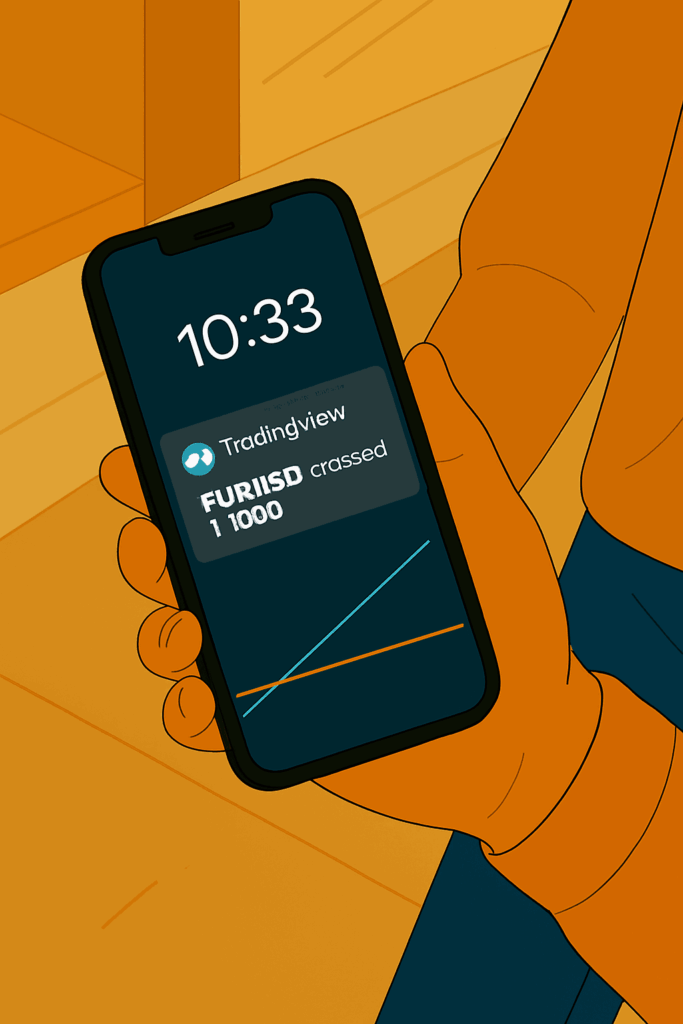
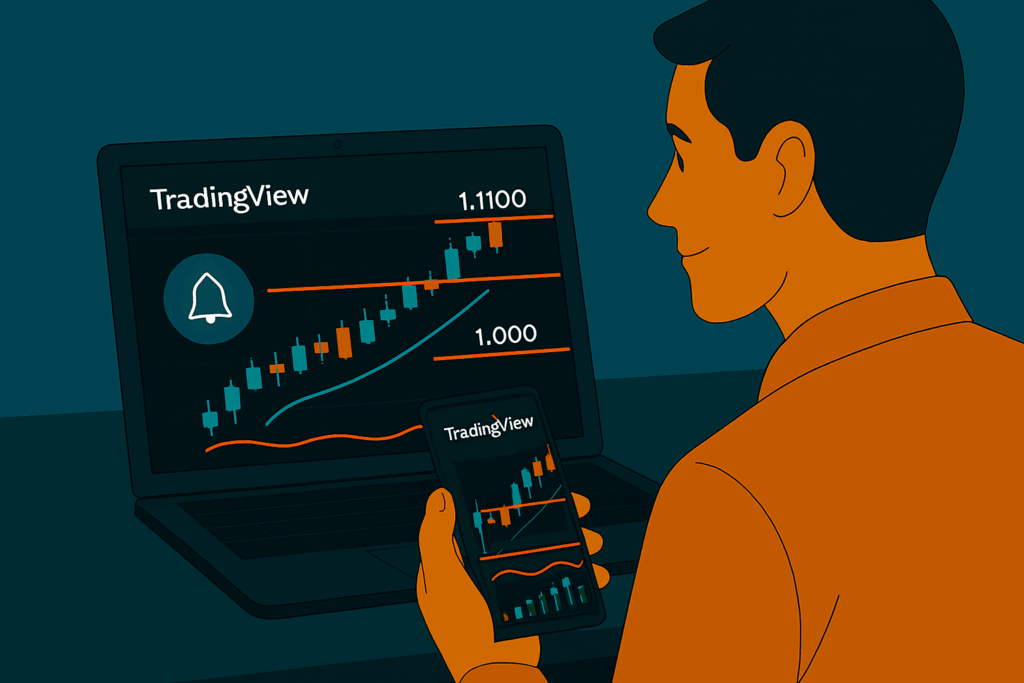
Instead of staring at the charts, set alerts on key price levels. TradingView lets you create alerts for crosses, breakouts, trendline touches, and more. These alerts can be sent via app notification, email, or SMS, so you’ll know when it’s time to act even if you’re away from your screen.
Alerts are a game-changer for staying efficient and not wasting time on constant chart monitoring.
Scan the News Tab for Context
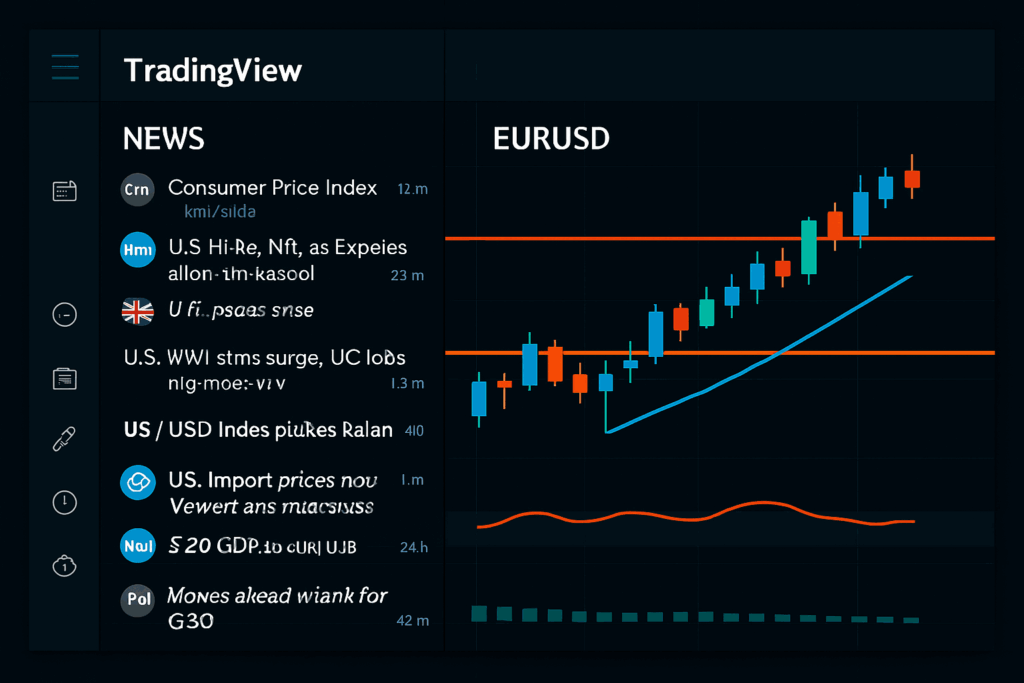
TradingView has a built-in news and economic calendar feature. While you don’t need to deep dive into every article, a quick glance at the top headlines or major event releases helps you stay aware of market-moving events. This can help you avoid unnecessary risk or false breakouts caused by sudden news.
Follow and Save Trade Ideas
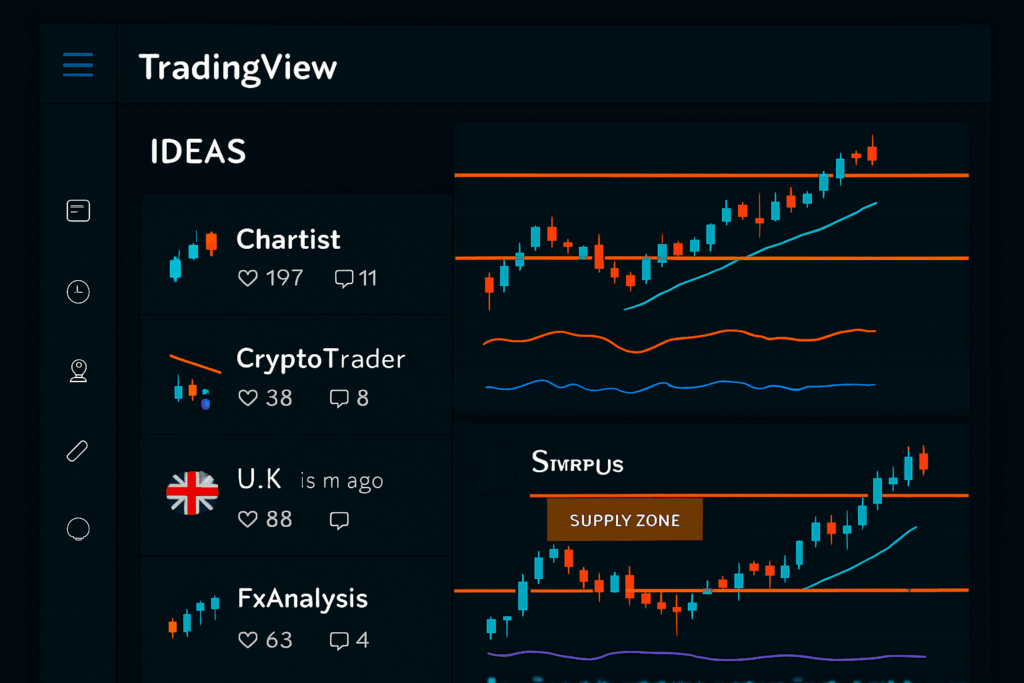
One of TradingView’s standout features is its social trading element. You can follow experienced traders, read their chart ideas, and get a fresh perspective on the markets. This doesn’t mean you blindly copy trades but it helps you validate your own analysis or spot things you missed.
You can also save your own chart ideas and revisit them later for review or refinement.
Use the Mobile App for On-the-Go Insights
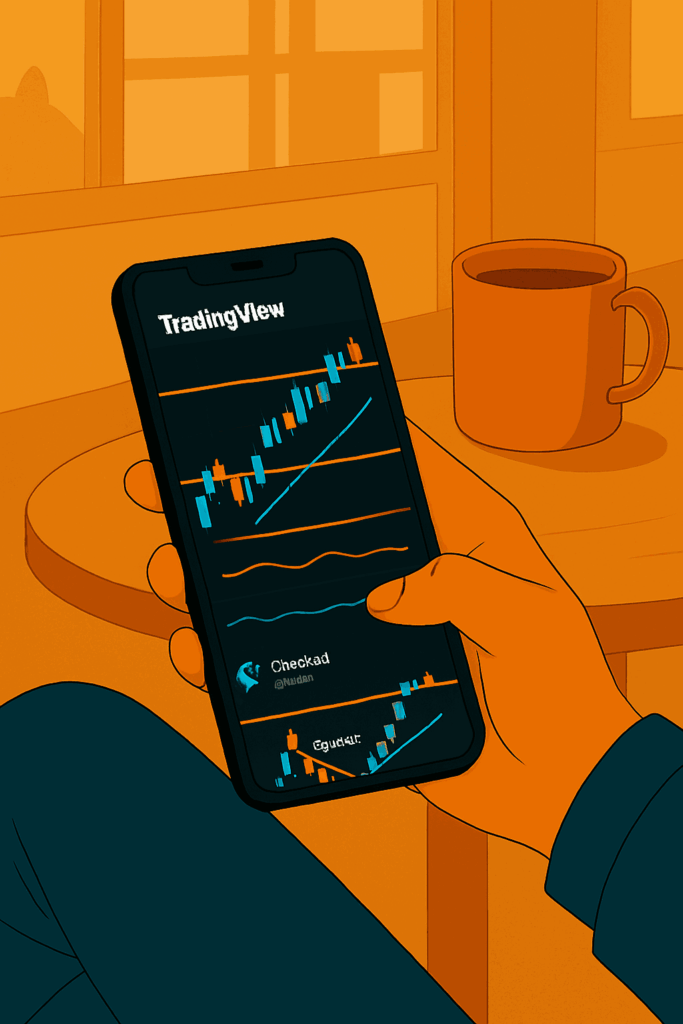
TradingView’s mobile app is one of the best in the industry. With synced layouts and fast loading charts, it allows you to conduct full technical analysis on the go. Whether you’re commuting, on break, or just away from your desk, the app ensures you’re never disconnected from the markets.
Keep It Simple and Consistent
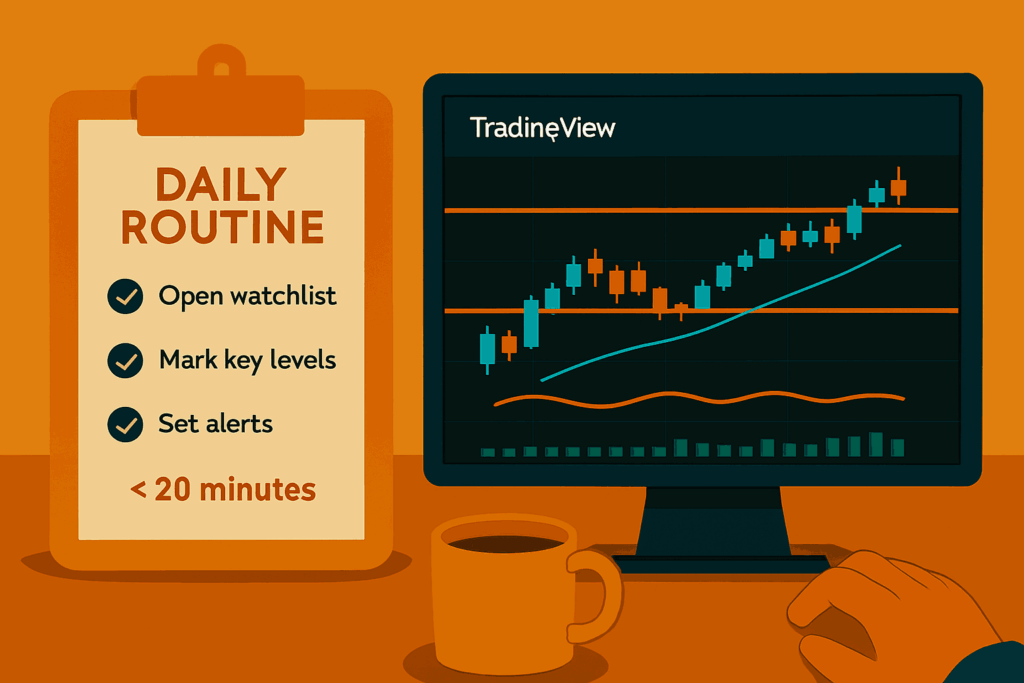
The real trick to fast market analysis is not using every feature but sticking to a routine. Open your watchlist, scan your charts, mark your levels, and set your alerts. With consistency, this process will take less than 20 minutes a day, and you’ll stay sharp without burnout.
Conclusion
TradingView isn’t just a charting platform it’s a complete analysis hub that helps busy traders stay in control. By customizing your workspace, using only the tools you need, and setting smart alerts, you can turn TradingView into your daily edge in the market. Whether you’re trading full-time or on a tight schedule, fast analysis starts with smart setup and TradingView delivers just that.