
Introduction
In today’s fast-moving world, many forex traders rely on their mobile devices to stay connected to the markets. Whether you’re commuting, at work, or grabbing coffee, you need Forex charting tools that are fast, reliable, and powerful. In this article, we review the best forex charting apps in 2025 that let you analyze the market and make decisions right from your phone.
1. TradingView Mobile
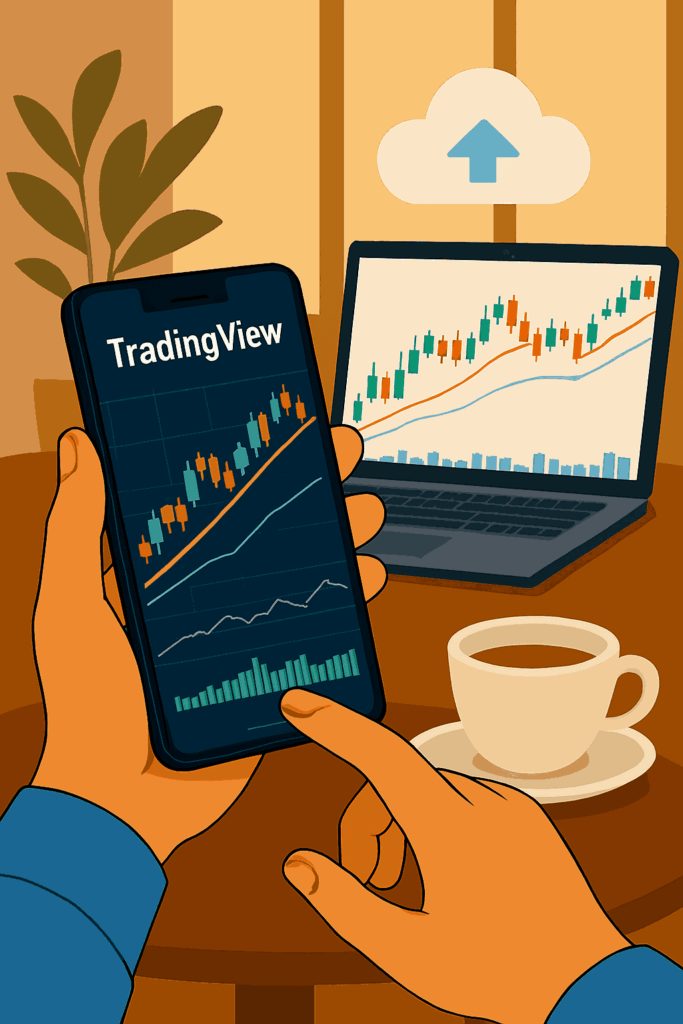
Best Overall for Mobile Charting
Why it’s a favorite:
TradingView offers seamless charting across desktop and mobile with cloud sync, powerful tools, and a massive trader community.
Top Features:
- Dozens of technical indicators
- Drawing tools (trendlines, fibs, etc.)
- Syncs with your desktop workspace
- Community-shared trade ideas
- Custom alerts and notifications
Pros:
✅ Fast and responsive charts
✅ Supports multi-timeframe analysis
✅ Web and app access
Cons:
❌ No built-in trading (requires broker integration)
❌ Limited customization compared to desktop
Best for: Visual traders who want intuitive charting on the go especially those refining their approach with guides like best FX indicator..
2. MetaTrader 4 / MetaTrader 5 Mobile Apps
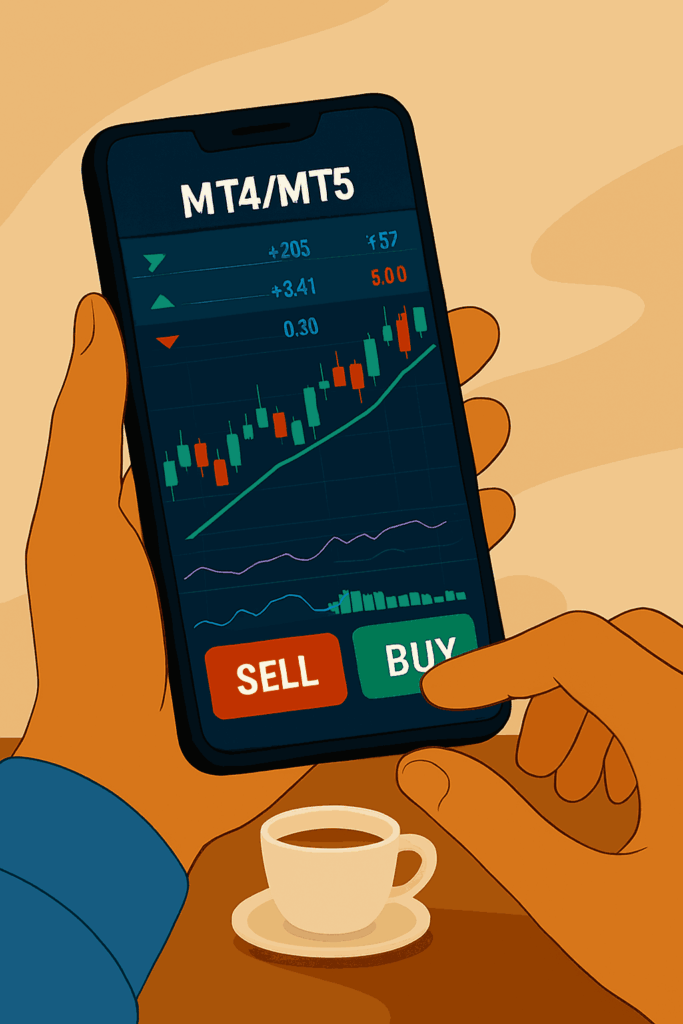
Best for Executing Trades and Charting Together
Why they matter:
These apps are still the industry standard for mobile forex trading, combining solid charts with full account control.
Top Features:
- Real-time quotes and charting
- 30+ technical indicators
- Full trading functionality
- Secure login with broker accounts
- Offline mode for chart viewing
Pros:
✅ Place and manage trades easily
✅ Light and battery-efficient
✅ Available on both Android and iOS
Cons:
❌ Charting not as smooth as TradingView
❌ Limited drawing toolsBest for: Traders who want to execute and analyze in one app.
Best for: Traders who want to execute and analyze in one app especially those focused on stop‑loss and risk management.
3. cTrader Mobile
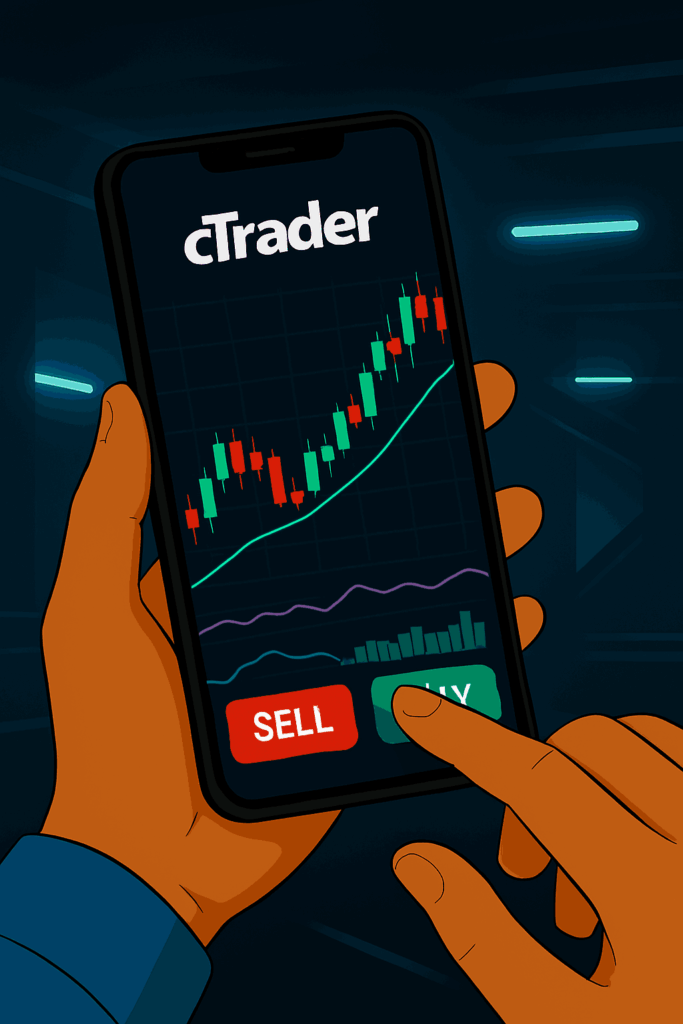
Best for Speed and Precision
Why it stands out:
Sleek and fast, cTrader offers one of the most modern mobile charting experiences, especially for scalpers and price action traders.
Top Features:
- Detachable, full-screen charts
- Real-time execution
- Advanced order types
- 50+ indicators and chart types
- Cloud-based settings sync
Pros:
✅ Clean, trader-focused UI
✅ Ultra-low latency
✅ Great mobile UX
Cons:
❌ Not supported by all brokers
❌ Smaller user communityBest for: Traders who value performance and aesthetics on mobile.
Best for: Traders who value performance and aesthetics on mobile especially those who want to avoid overtrading and maintain discipline.
4. Forex.com App
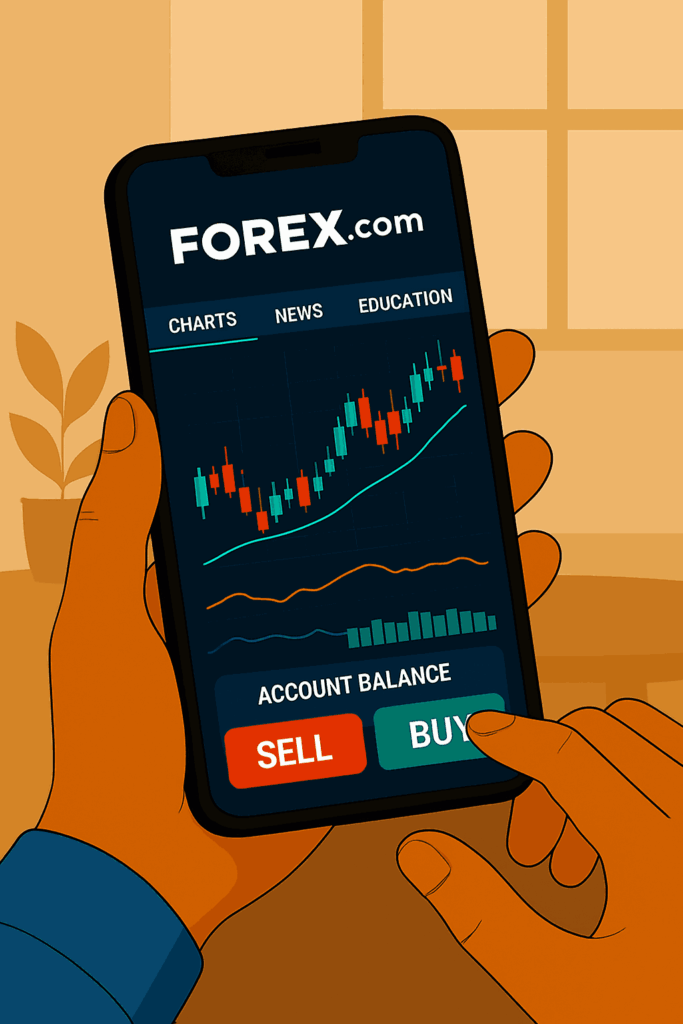
Best All-in-One Broker App
Why it’s solid:
Forex.com combines charting, news, analysis, and account management all in one mobile platform.
Top Features:
- Interactive charts with 80+ indicators
- Real-time news and analysis
- In-app education
- Customizable layouts
Pros:
✅ Regulated broker with strong support
✅ All-in-one functionality
✅ Competitive spreads
Cons:
❌ Charts aren’t as advanced as TradingView
❌ Broker-locked platform
Best for: Traders using Forex.com looking for convenience.
5. ThinkTrader
Best for Multi-Device Traders
Why it’s useful:
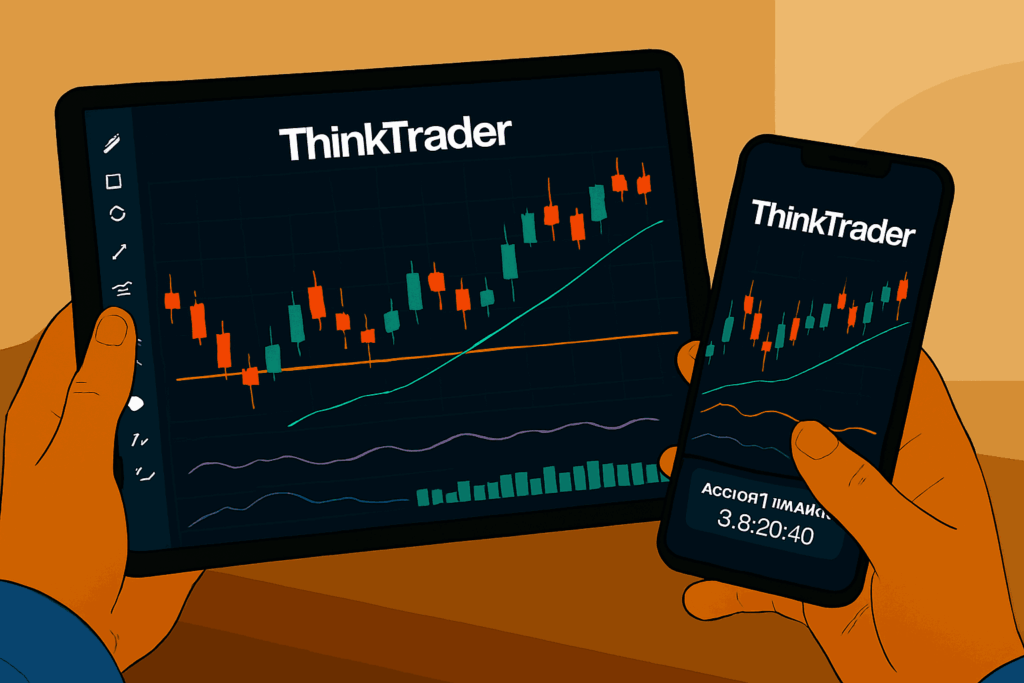
ThinkTrader (by ThinkMarkets) offers strong mobile charting with impressive syncing across devices and desktops.
Top Features:
- 100+ indicators and drawing tools
- Up to 10 chart timeframes
- Powerful trade management
- Cloud-based alerts
- Tablet-optimized UI
Pros:
✅ Versatile layout for phones and tablets
✅ Strong analytics
✅ Fast execution
Cons:
❌ Limited broker support outside ThinkMarkets
❌ Slight learning curve
Best for: Traders who work across devices and want consistent performance.
Final Verdict: Which App Is Right for You?
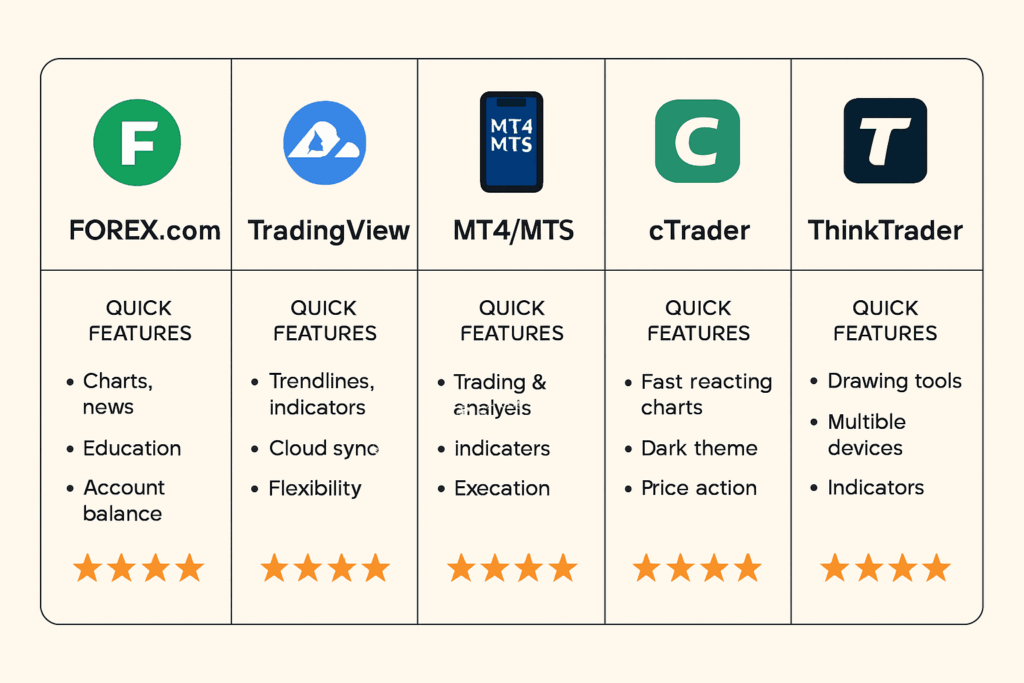
| If you want… | Use this app |
| Best visual charting | TradingView Mobile |
| All-in-one trading + charting | MT4 or MT5 Mobile |
| Speed and minimalist UI | cTrader Mobile |
| Broker-based features | Forex.com App |
| Cross-device sync and tools | ThinkTrader |
Mobile trading in 2025 isn’t a backup it’s part of the main plan. With these charting tools, you can stay informed, react fast, and keep control of your strategy, even when life keeps moving. And remember: always back your tools with a solid trading psychology foundation.